GPU Cost Control for Multi-Language Dubbing at Scale
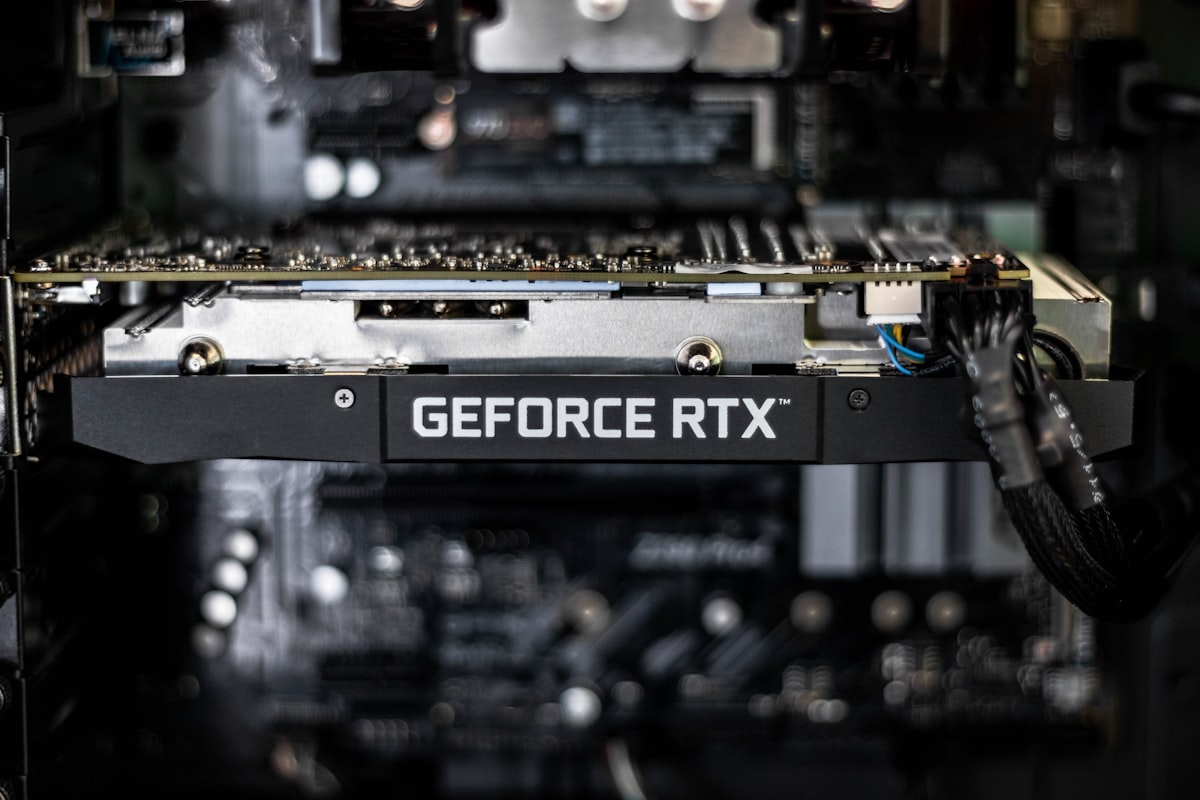
A thirty-second commercial versioned into twelve languages is twelve renders, not one. The GPU bill for dubbing scales with language count, resolution and the number of speaking faces in shot. Here is how we keep that number predictable enough to quote before a campaign starts.
Table of contents:
Where the GPU hours actually go
A single thirty-second commercial versioned into twelve Indian languages is not one render. It is twelve, and each one carries a full face-tracking pass across every frame at 1080p, a lip generation pass driven by the new audio, and a compositing pass that blends the result back into the original plate. The source film is short. The GPU work behind it is not.
That shape is what makes dubbing economics unusual. The bill does not scale with the length of the ad. It scales with the number of language versions, the resolution the broadcaster demands, and the number of speaking faces in shot. A two-hander at 1080p costs multiples of a single-presenter piece of the same duration, and a campaign that adds four markets late in the schedule adds four full render passes to a queue that was sized for eight.
Once the work is understood in those units, the cost per language version becomes a number that can be forecast before a campaign starts, which is what lets us quote a multi-market job accurately instead of padding it.
Interruptible work deserves interruptible pricing
Almost none of a dubbing render is latency-sensitive. A broadcast version is due on a delivery date, and nothing downstream cares whether a given language finished at two in the afternoon or four in the morning. Work with that property belongs on discounted spare capacity, which cloud providers sell at a steep reduction in exchange for the right to reclaim the machine at short notice.
The engineering requirement is checkpointing. Our pipeline stages are containerised and independently versioned, so a reclaimed machine loses the frames in flight rather than the whole language version. Face tracking data, aligned audio and generated frames are all persisted as they complete, and a restarted job resumes from the last completed stage. Without that, discounted capacity trades a lower hourly rate for repeated full-job restarts and ends up costing more.
The exception is client review. Turnarounds on a revision during an approval cycle run on reserved capacity, because a producer waiting on a fix is a real cost that does not appear on the cloud bill.
Campaign work arrives in bursts
Advertising does not produce a steady workload. A campaign lands, twelve language versions need rendering against the same air date, and then the queue is quiet until the next brief. Capacity provisioned for that peak sits idle for most of the month, and capacity provisioned for the average misses the delivery date.
Queuing solves this. Every language version enters the pipeline as an independent task, capacity scales up to drain the queue, and it returns to zero when the campaign ships. The platform is sized to the work in front of it rather than to the worst week of the quarter. Development and QC machines run on a schedule and shut down outside working hours, which removes the quiet accumulation of idle time that comes from machines left on out of convenience.
Getting more out of each GPU hour
Utilisation is usually the highest-return optimisation available, and a versioning workload is well suited to it. Twelve language versions of the same source share identical face tracking geometry, so that pass runs once and its output feeds every language. That single decision removes eleven redundant full-frame detection passes from a twelve-language campaign.
Beyond reuse, the levers are conventional and effective: batch sizes tuned to fill available GPU memory, mixed-precision computation, and data loading fast enough that the GPU is never waiting on storage. Profiling matters more than intuition here. A pipeline that appears compute-bound is frequently stalled on reading frames, which is cheap to fix once it is visible.
Resolution is a commercial decision as much as a technical one. Broadcast delivery specifications set a floor, and rendering above that floor because it is the default setting spends real money for output nobody will see.
Attributing spend to the campaign that caused it
An opaque monthly total is not actionable. Every task in our queue carries the campaign and the language it belongs to, so the bill resolves into a cost per language version per client. That granularity does the commercial work: it tells us what a market genuinely costs to add, it catches a misconfigured job in hours rather than at the end of the month, and it means a quote for a fourteen-language rollout rests on measured figures.
We treat cost as an engineering metric alongside speed and output quality. Workloads change, model efficiency improves and instance pricing moves, so the measurement is continuous rather than an annual cleanup.
A GPU cost-control checklist
The practices below are the ones we apply to keep a versioning pipeline both fast enough for broadcast deadlines and affordable enough to quote competitively.
- Measure in the unit the client buys, which for dubbing is the cost per language version.
- Run deadline-driven render work on discounted spare capacity, with checkpointing between pipeline stages.
- Keep review and revision turnarounds on reserved capacity, where waiting has a real cost.
- Compute shared work once and reuse it across every language version.
- Scale to the queue, and shut down development and QC machines out of hours.
- Render to the delivery specification rather than to the default setting.
- Tag every task with its campaign so spend resolves to an owner, and alert on anomalies.
None of these steps costs output quality. Together they make the cost of a multi-market campaign predictable at the point of quoting.
Why this shows up in the price
Controlling GPU cost is about running the right hardware, only when it is needed, as fully as possible, with the spend attributable to the campaign that caused it. For a client the effect is visible in the quote. It is the reason the eleventh language costs less than the second, and the reason a late market addition is a schedule question before it is a budget one.
We cover that pricing structure in detail in the complete guide to AI dubbing cost. To see the pipeline this infrastructure runs, read what visual dubbing actually means, browse the languages we deliver, or start a project.