Making Broadcast-Ready AI Films: Stable Diffusion, Runway & Beyond
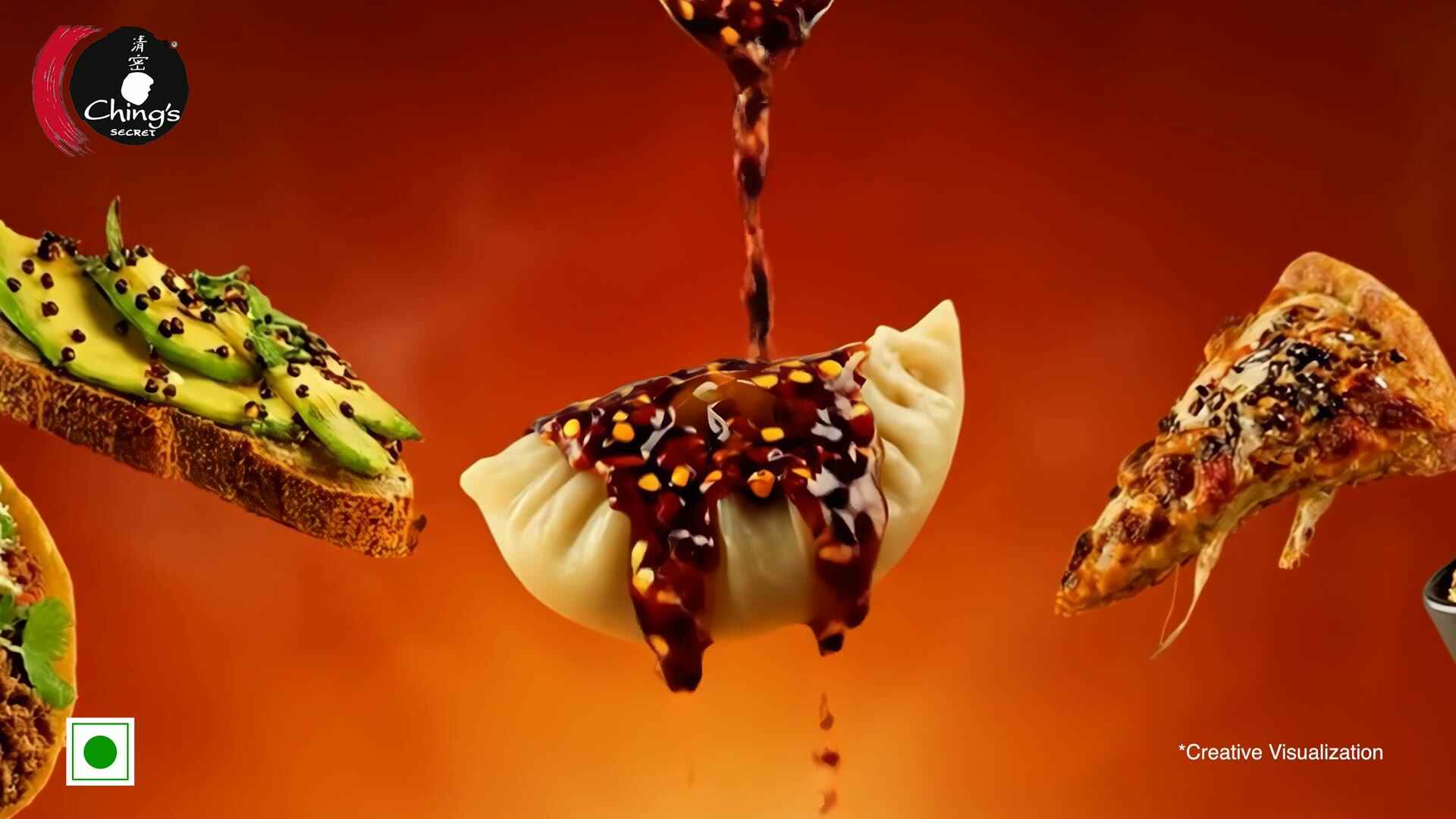
Traditional TV commercial production costs ₹50 lakhs to ₹2 crore for a single 30-second spot. With generative AI, we produce broadcast-quality ads at a fraction of that cost, and in a fraction of the time. But "AI-generated" doesn't automatically mean "broadcast-ready." Here's how we bridge that gap with a production-grade workflow combining multiple AI models, professional compositing, and rigorous quality standards.
Table of contents:
The Generative AI Toolkit
No single AI model can produce a complete broadcast ad. Our workflow combines specialized models for different aspects of production:
- Stable Diffusion XL: High-resolution image generation for keyframes, product shots, and environments
- ControlNet: Structural guidance for maintaining composition, pose, and spatial relationships
- Runway Gen-3 Alpha: Video generation for motion sequences and dynamic scenes
- ElevenLabs / Coqui XTTS: Voice synthesis for narration and character dialogue
- Real-ESRGAN 4x: Super-resolution for upscaling AI outputs to broadcast resolution
- FILM (Frame Interpolation): Google's frame interpolation model for smooth slow-motion and frame rate conversion
These models are orchestrated through our custom production pipeline, with human creative directors making decisions at every stage.
Stable Diffusion XL for Visual Generation
SDXL is our workhorse for generating the visual foundation of AI ads. We use it in several key ways:
Brand-Specific Fine-Tuning with LoRA
For each brand, we create a LoRA (Low-Rank Adaptation) model fine-tuned on 50-100 brand assets, packaging shots, product photography, existing ad stills, and brand guidelines. This takes about 2 hours on an A100 GPU at rank 32 with a learning rate of 1e-4. The resulting LoRA weighs just 50-100MB but captures the brand's visual identity, specific color palettes, product shapes, logo treatments, and aesthetic tone.
Prompt Engineering for Commercial Output
Commercial-grade output requires highly structured prompts. A typical SDXL prompt for a product shot might be:
"Product photography of [brand product], centered composition, studio lighting with soft rim light, clean white background with subtle gradient, commercial advertising style, ultra-sharp focus on product, 4K quality, photorealistic, professional food photography"
We maintain a library of tested prompt templates for different shot types (hero product, lifestyle, close-up macro, environment establishing) that our creative team customizes per brief.
Inpainting for Product Placement
One of the most powerful techniques is using SDXL's inpainting capability to place products into generated environments. We generate a scene, then inpaint the product into it using a masked region and the brand LoRA. This creates photorealistic product placement that would traditionally require a full studio shoot.
ControlNet for Precise Composition
Raw SDXL generation gives us beautiful images but limited control over exact composition. ControlNet solves this by conditioning generation on structural inputs:
OpenPose for Character Positioning
When we need characters in specific poses, holding a product, sitting at a table, walking through a scene, we create an OpenPose skeleton (either from reference photography or hand-placed keypoints) and use it as a ControlNet condition. This ensures characters are positioned exactly where the storyboard requires.
Depth Maps for Spatial Layout
We generate depth maps from rough 3D layouts (created in Blender) to control the spatial arrangement of a scene. A foreground product, mid-ground character, and background environment can be precisely positioned using depth conditioning with weight 0.6-0.8.
Canny Edge for Product Shape Preservation
For product shots where the exact shape and proportions of the product must be preserved, we extract Canny edges from reference product photography and use them as hard constraints. At ControlNet weight 1.0, this ensures the product's silhouette is pixel-accurate.
Runway Gen-3 Alpha for Motion
Static images don't make a TV commercial, we need motion. Runway Gen-3 Alpha generates 5-16 second video clips from text prompts or image-to-video inputs. Our workflow:
- Generate keyframes with SDXL + ControlNet (establishing the visual look)
- Feed keyframes into Runway as image-to-video starting frames
- Generate motion: camera movements, product reveals, character actions
- Upscale using Real-ESRGAN to 1920×1080 or 3840×2160
- Frame interpolation using Google FILM to achieve smooth 24fps or 30fps output
For a 30-second TVC, we typically generate 8-12 individual motion clips that are then assembled, color-graded, and composited in post-production.
Voice Synthesis with ElevenLabs & XTTS
AI-generated visuals need AI-generated (or human-recorded) audio to match. We use two voice synthesis approaches:
ElevenLabs for Hindi/English Narration
ElevenLabs' voice cloning produces remarkably natural Hindi and English voice-overs. We provide 3-5 minutes of reference audio from the brand's preferred voice talent, and the model generates unlimited variations. The output is indistinguishable from human recording in A/B tests with broadcast engineers.
Coqui XTTS for Regional Languages
For regional Indian languages where ElevenLabs has limited support, we use Coqui's XTTS (Cross-lingual Text-to-Speech). XTTS supports 16 languages and can clone a voice from just 6 seconds of reference audio. While not quite as natural as ElevenLabs, it's sufficient for regional ad voice-overs when combined with professional audio post-processing using iZotope RX.
Professional Compositing Workflow
The "last mile" of AI film production happens in traditional compositing tools. This is where we transform AI-generated assets into polished broadcast output:
After Effects for Motion Graphics
Brand elements, logo reveals, lower thirds, supers (text overlays), product name cards, are designed and animated in After Effects. These are composited over AI-generated footage with precise timing.
DaVinci Resolve for Color Grading
All final output goes through DaVinci Resolve for professional color grading. We apply broadcast-safe color space conversion (Rec. 709), ensure skin tones are natural, and match the color profile across all cuts. This step is critical because AI-generated footage often has inconsistent color between shots.
Nuke for Complex Compositing
For shots requiring complex layering, product insertion over live-action backgrounds, multiple AI-generated elements composited together, or green screen replacements, we use Nuke. Its node-based workflow gives us the precision needed for broadcast-quality output.
Meeting Broadcast Standards
Every AI-generated ad must meet the same broadcast standards as traditionally produced content. Our final QC checklist includes:
- Resolution: Minimum 1920×1080 (Full HD), typically delivered at 3840×2160 (4K)
- Frame Rate: 24fps (film look) or 30fps (broadcast standard)
- Audio: -24 LUFS loudness, 48kHz sample rate, stereo or 5.1 surround
- Color Space: ITU-R BT.709 for HD, BT.2020 for UHD/HDR delivery
- Codec: ProRes 422 HQ or DNxHR HQX for broadcast delivery
- Safe Areas: Title-safe (80%) and action-safe (90%) margins respected
- Duration: Frame-accurate to broadcast slot (10s, 15s, 20s, or 30s ±1 frame)
Every deliverable passes through our automated QC tool (built on FFprobe + custom Python scripts) that validates all technical parameters before human review.
The result: AI-generated broadcast ads that are indistinguishable from traditionally produced content, delivered in days instead of months, at a fraction of the cost.